High-Fidelity Futuristic UI/UX Presentation Design Prompt
0
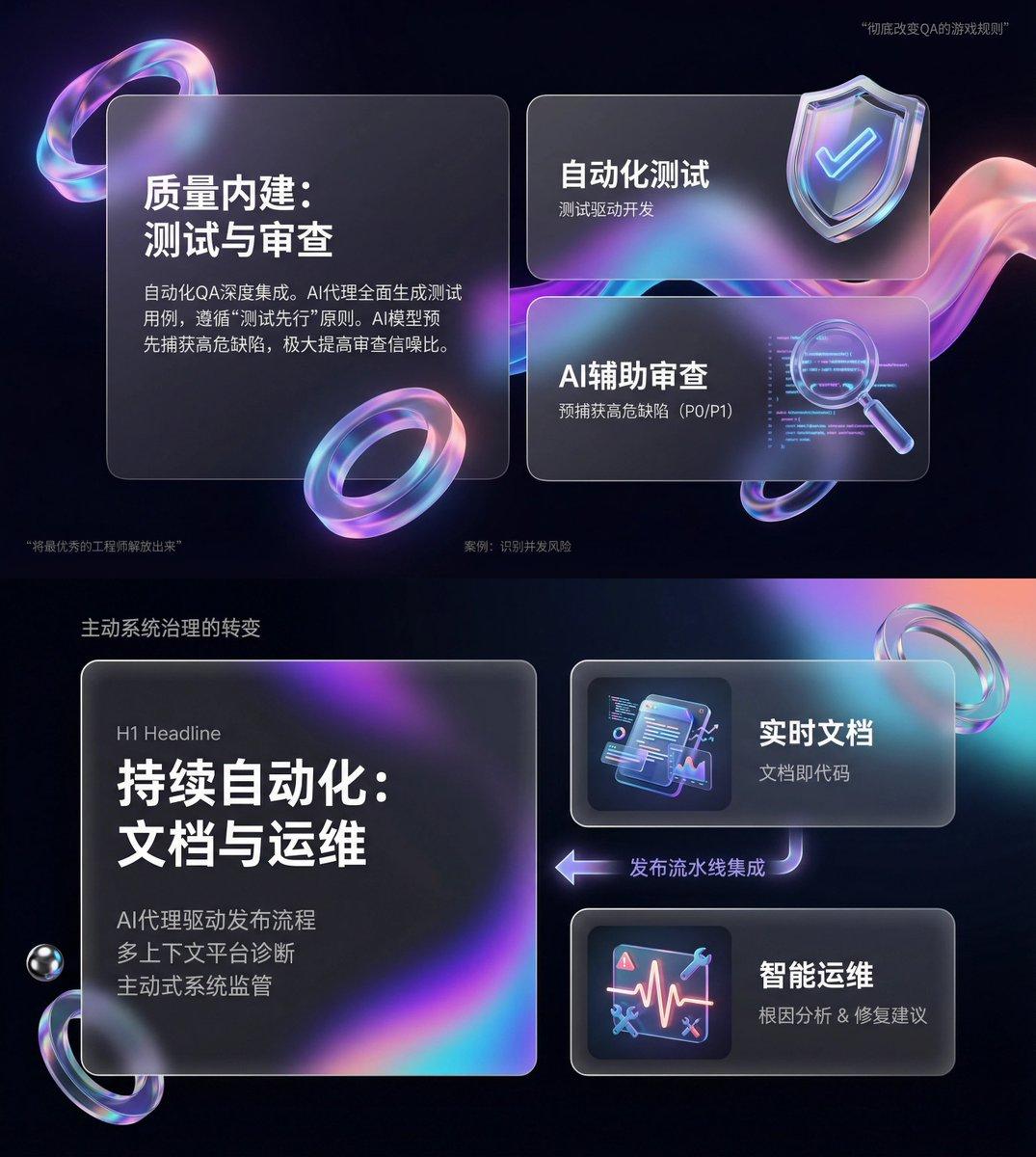
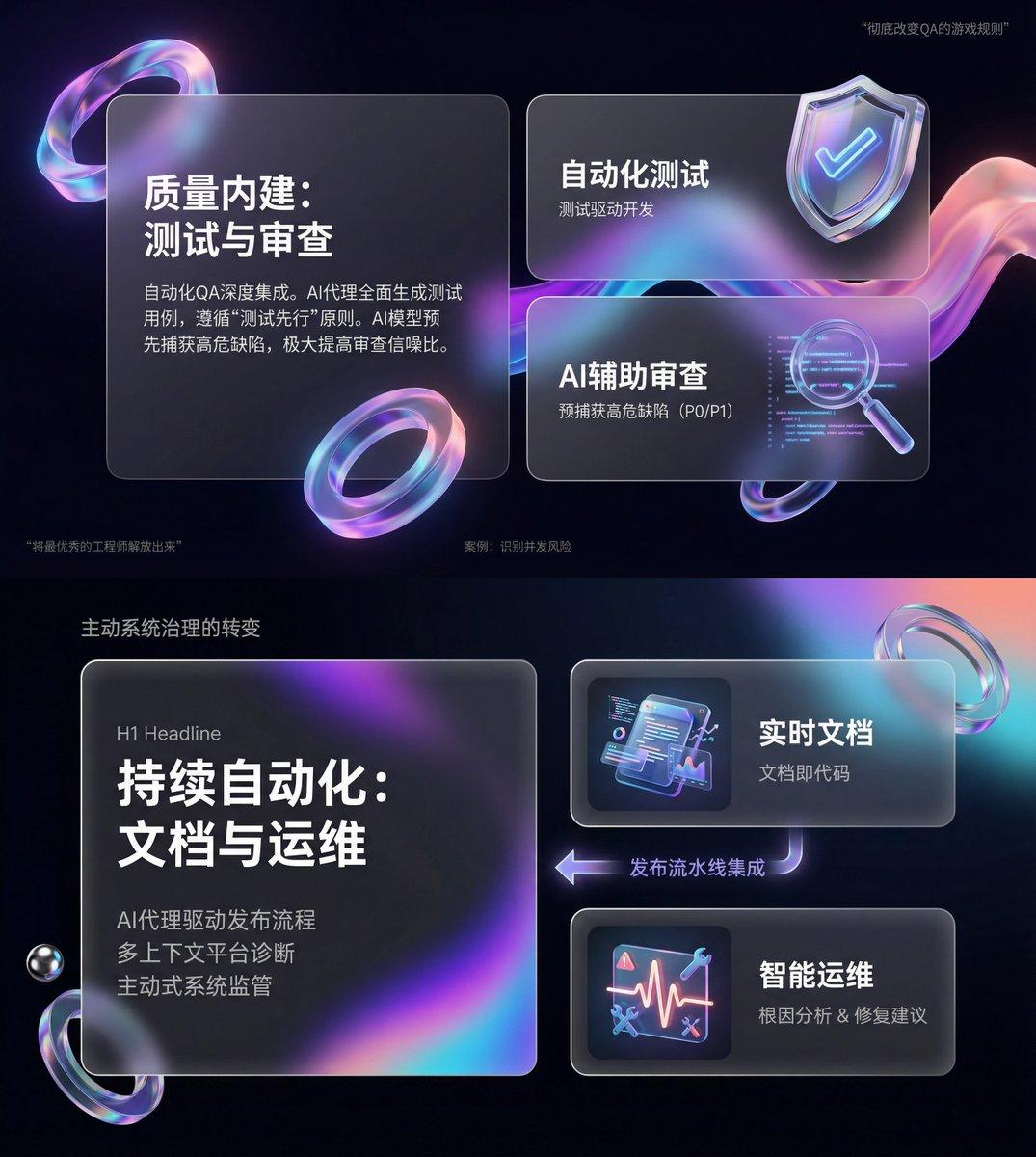
$You are an expert-level UI/UX presentation designer. Generate high-fidelity, futuristic 16:9 presentation slides. Based on principles of visual balance and aesthetics, automatically choose the most perfect composition among a cover, grid layout, or data visualization.
For the global visual language, the style should seamlessly blend Apple Keynote minimalism, modern SaaS product design, and glassmorphism. The overall mood should feel high-end, immersive, clean, and breathable. Use cinematic volumetric lighting, soft ray-traced reflections, and ambient occlusion. The color scheme should use deep void black or pure ceramic white as the foundation, accented with flowing aurora gradients such as neon purple, electric blue, soft coral orange, cyan for the background and UI highlights.
For the content modules in the visuals, intelligently integrate the following elements:
1. Use a bento-box grid system as the layout engine, organizing content into modular rounded-rectangle containers. The containers must have a frosted glass material with blur, delicate white borders, and soft shadows, and they must preserve large internal whitespace to avoid crowding.
2. Insert 3D objects with a luxurious gift-like texture, rendering unique high-end abstract 3D pieces as visual anchors. Their appearance should resemble expensive physical gifts or collectibles, with materials such as polished metal, iridescent acrylic, transparent glass, or soft silicone, and shapes such as floating capsules, spheres, shields, Möbius strips, or fluid waves.
3. For typography and data, use clean sans-serif fonts with high contrast. If there are charts, use glowing 3D donut charts, capsule-shaped progress bars, or floating digits, and make the charts look like glowing neon toys.
Composition logic reference: If generating a cover slide, place a huge, complex 3D glass object in the center, overlay bold large text, and extend aurora waves in the background. If generating a content slide, use a bento grid layout, placing 3D icons in small cards and text in large cards. If generating a data slide, use a split-screen layout: text arranged on the left, and a huge floating glowing 3D data visualization chart on the right.
Rendering requirements: Unreal Engine 5 rendering, 8K resolution, ultra-detailed textures, strong UI design sense, UX interface quality, trending on Dribbble, award-winning design work.